Every note, wherever you took it.
Dazr Notes keeps the notes you take anywhere in Dazr in one place: in a meeting, on a ticket, in a chat. Each note remembers where it was taken and takes you back there.
Free with your Dazr account.
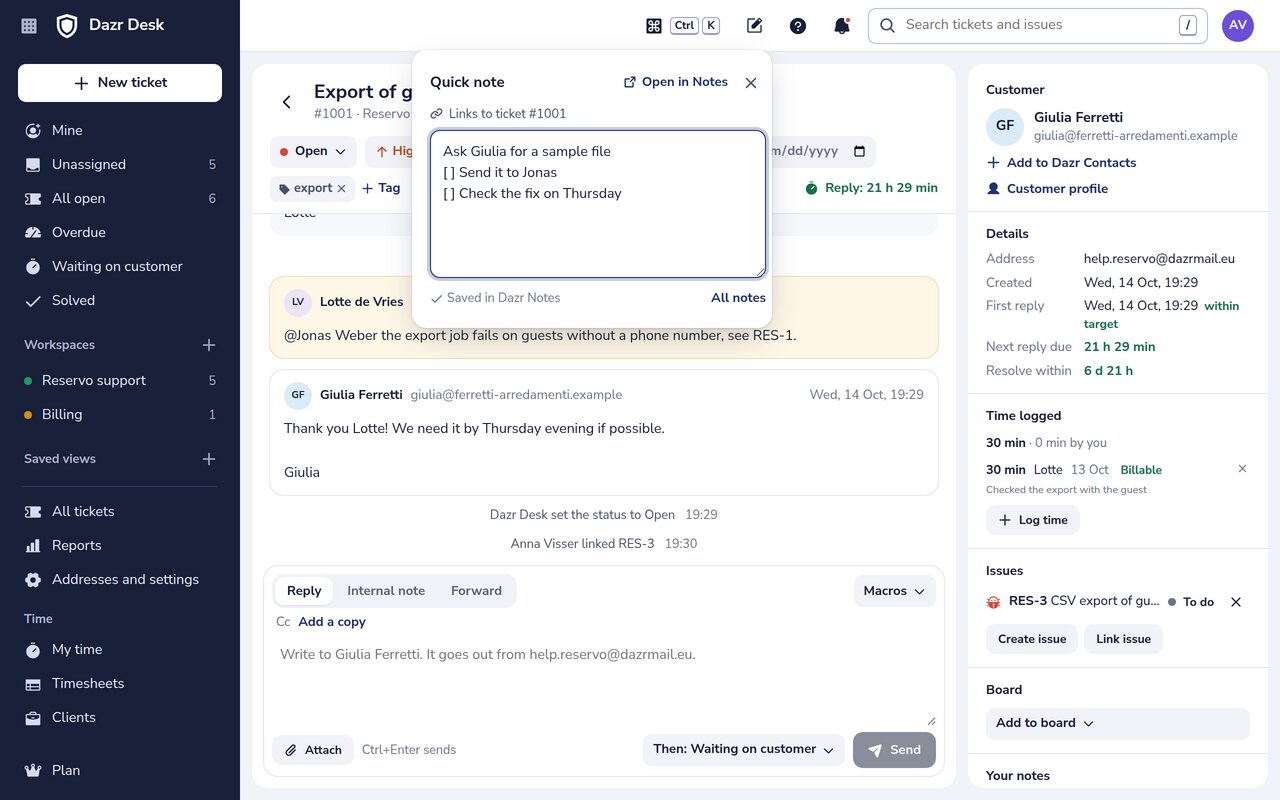
Take a note without leaving your work.
No app to switch to: the note comes to you.
Press Alt+Shift+N, or the note button in the top bar, in Mail, Teams, Desk, Projects, Calendar and Contacts. Type, and the note is saved.
A Dazr Desk ticket and a Dazr Projects issue have a Notes section. What you write there stays linked to that ticket or issue.
Dazr Teams has a Notes tab in every chat, a Notes panel in channels and a Notes tab in meetings.
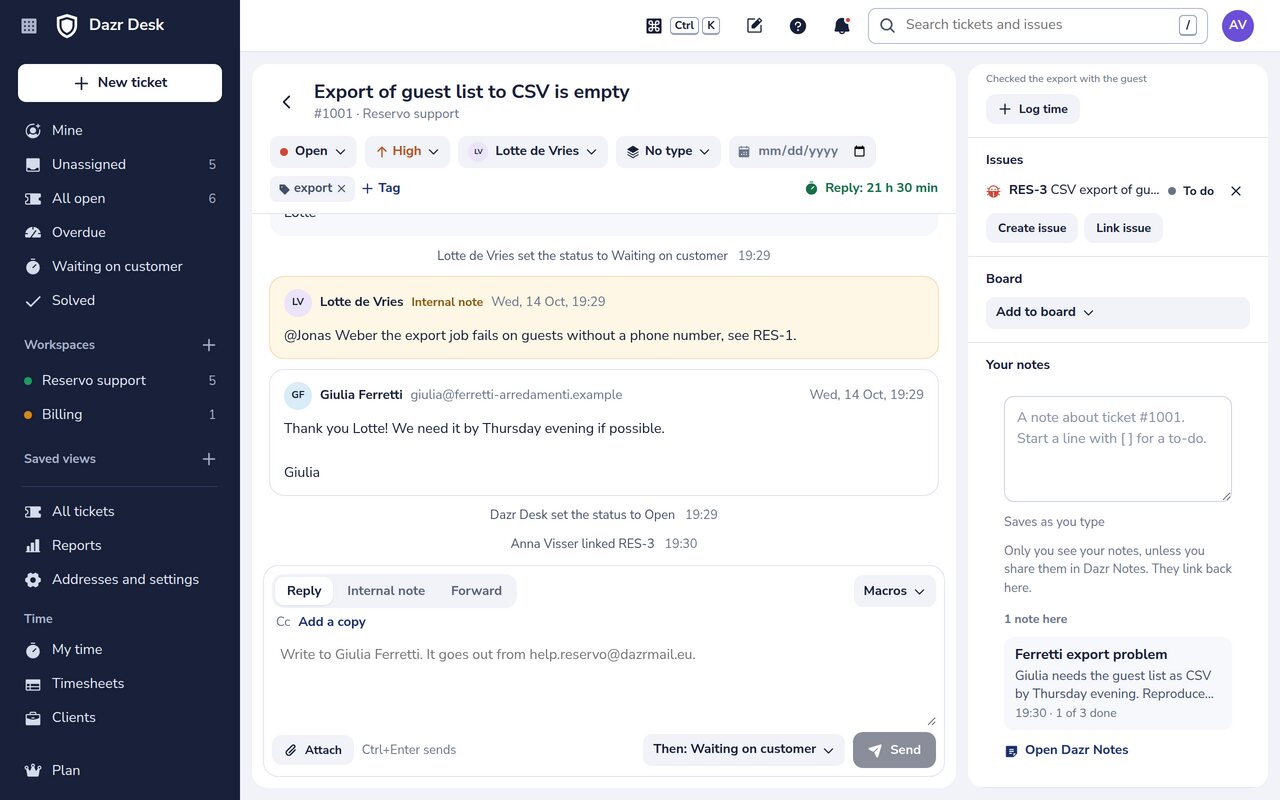
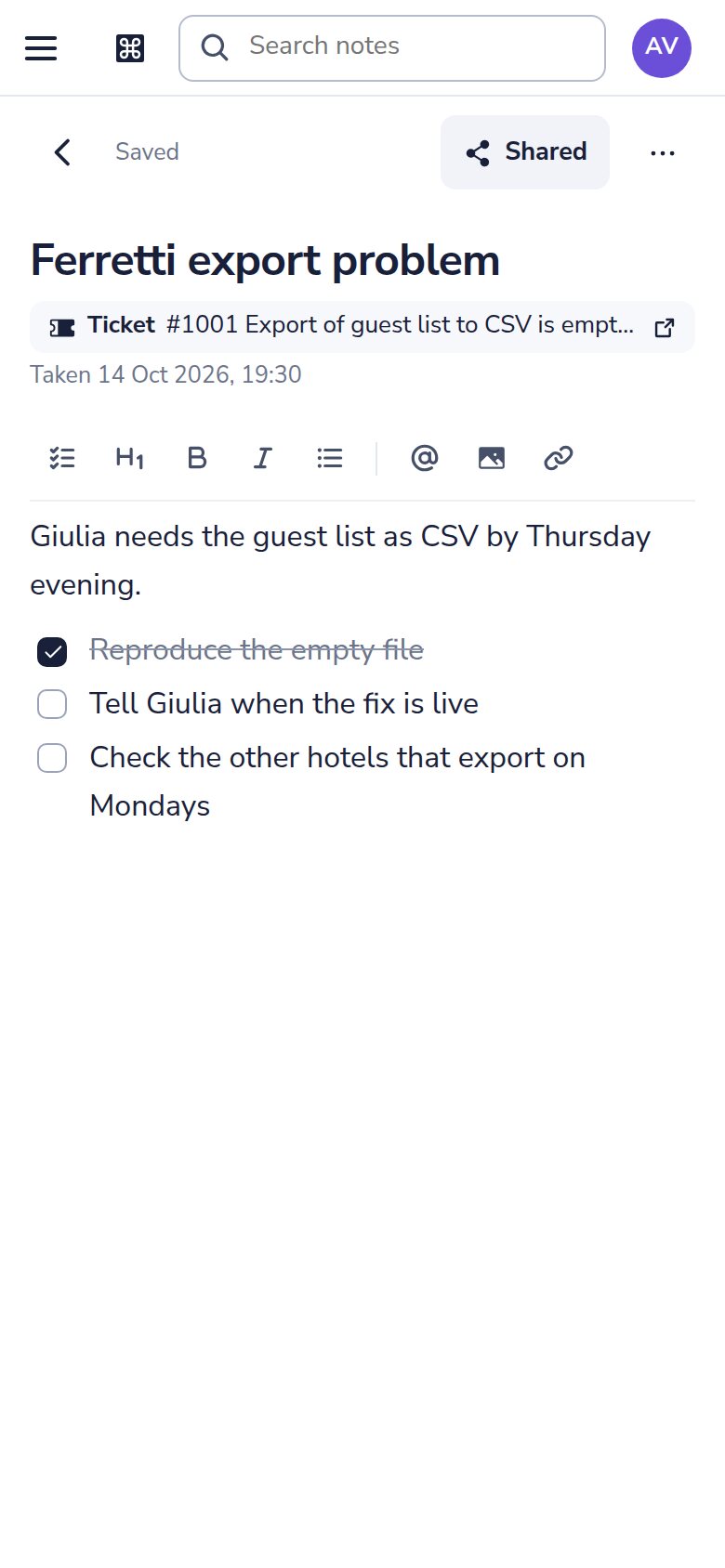
It remembers where it was taken.
The note and the ticket, issue, chat or meeting know about each other.
A note shows where it was taken, with the ticket number and subject, the customer, the issue key or the meeting, and opens it in one click.
Open the ticket or the issue again and your notes about it are there, next to the work.
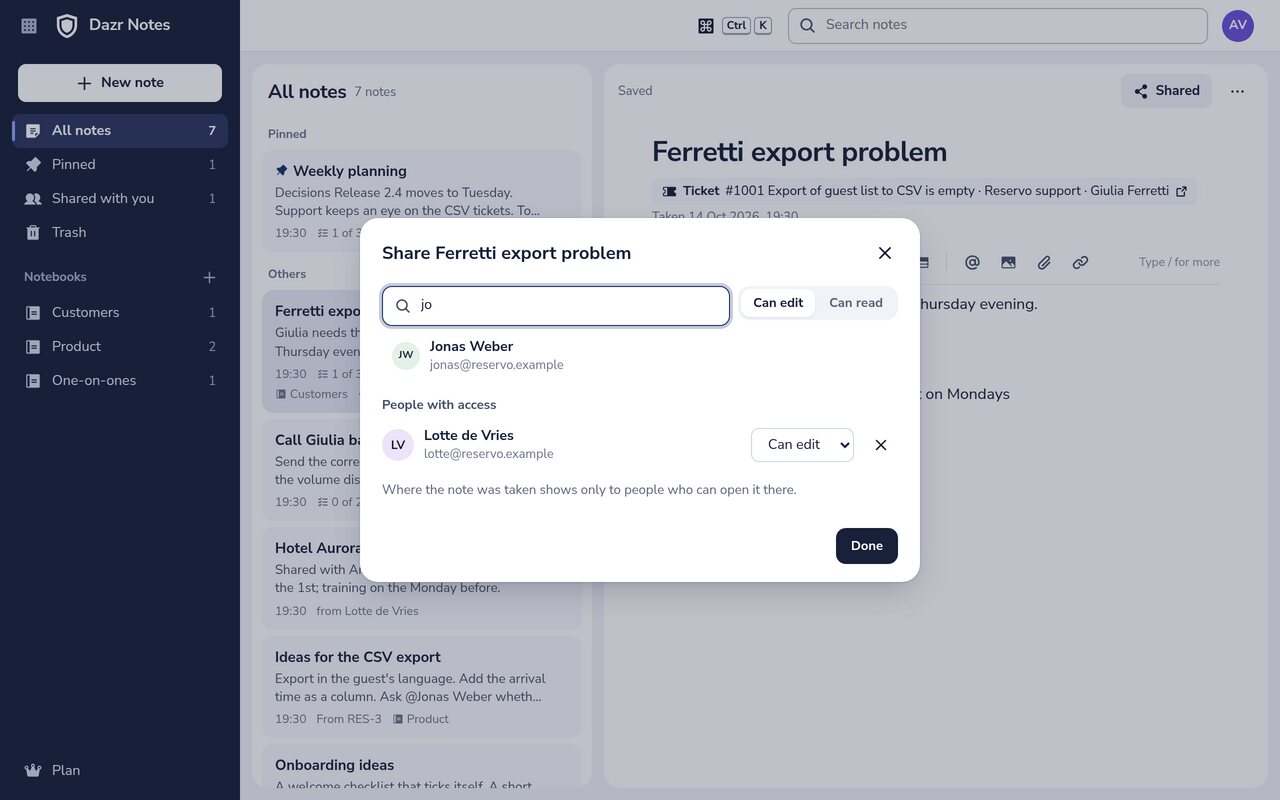
The title of a ticket, issue, chat or meeting shows only to people who can open it there. Someone you share a note with sees nothing more than that.
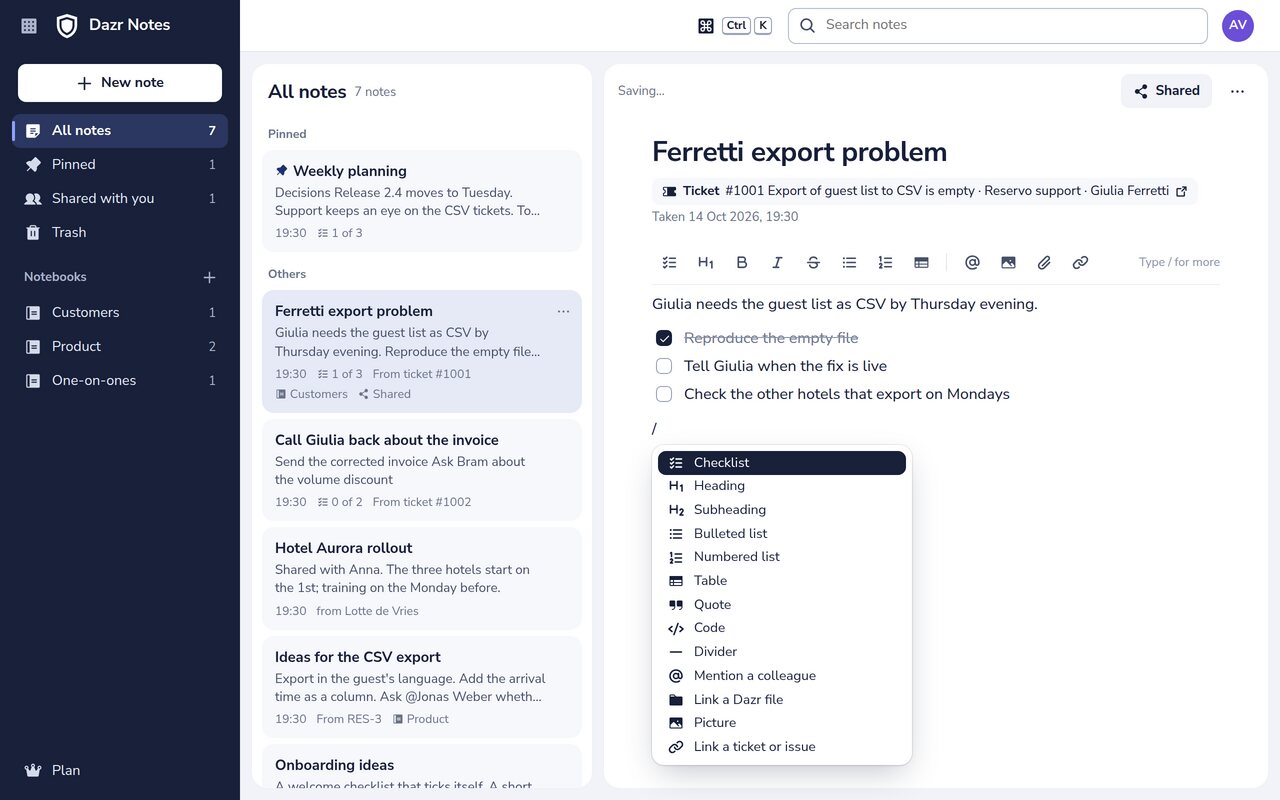
Write the way you think.
Type / and pick what you need. Everything saves as you type.
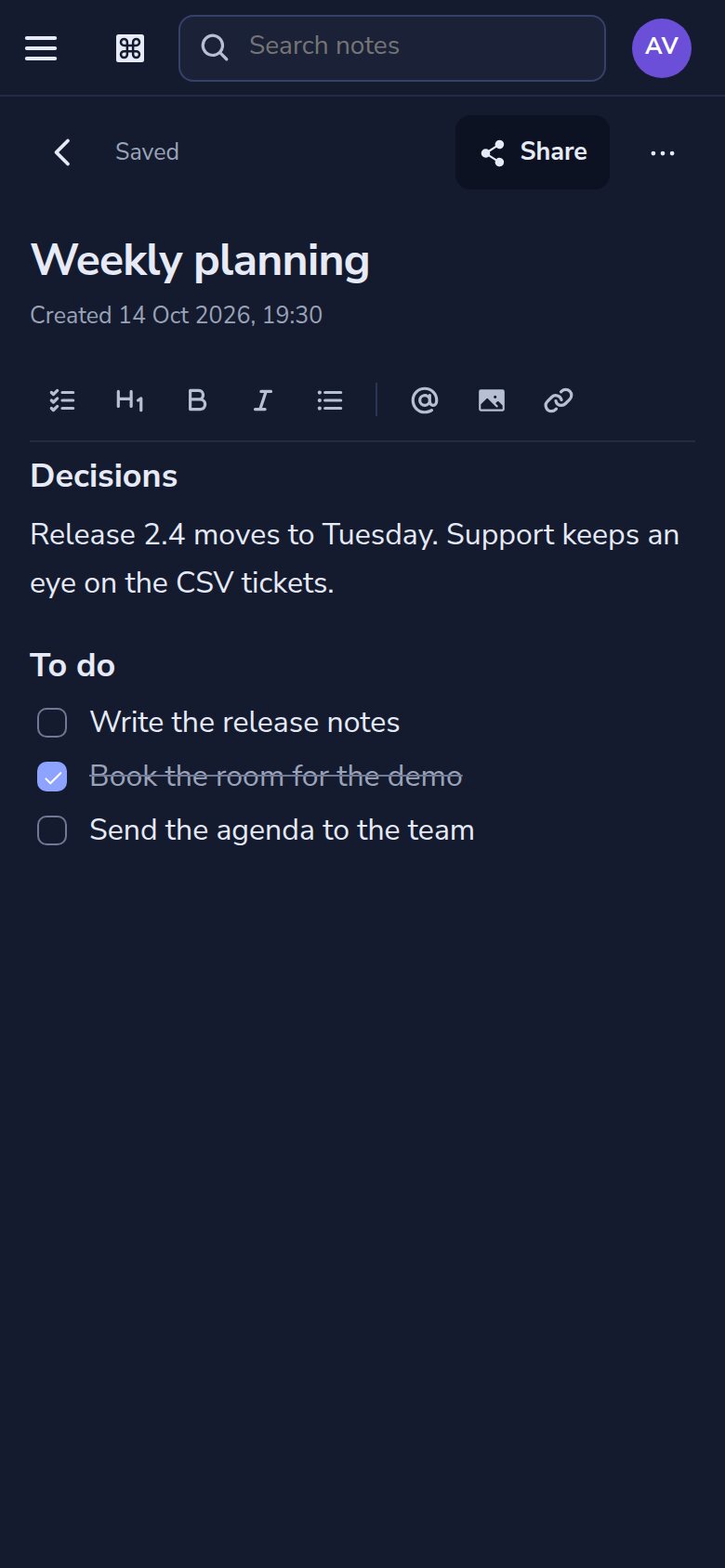
Tick items with a click or Ctrl+Enter. The list shows how many are done.
Headings, bulleted and numbered lists, tables, quotes, code and dividers, from the / menu or the toolbar.
Mention a colleague with @, link a file from Dazr Files, add a picture or link a ticket or an issue.
Turn a checklist item into a Dazr Projects issue, or send it as a reply on the note's ticket. Desk and Projects check your rights as always.
A note saves a moment after you stop typing. When someone else changed it meanwhile, you choose which version to keep.
Paste or drop a picture: it goes to your Dazr Files, with your storage and its limits.
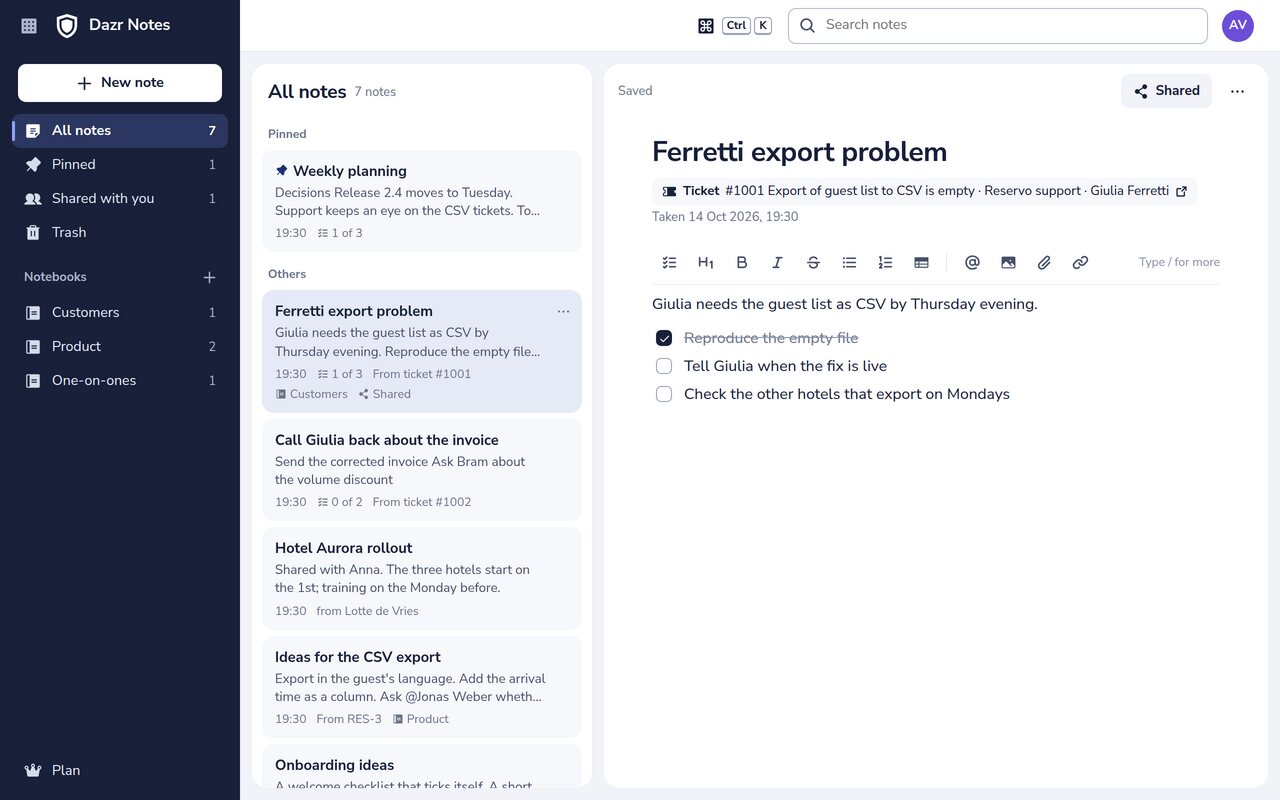
Organised without effort.
Find any note in a moment.
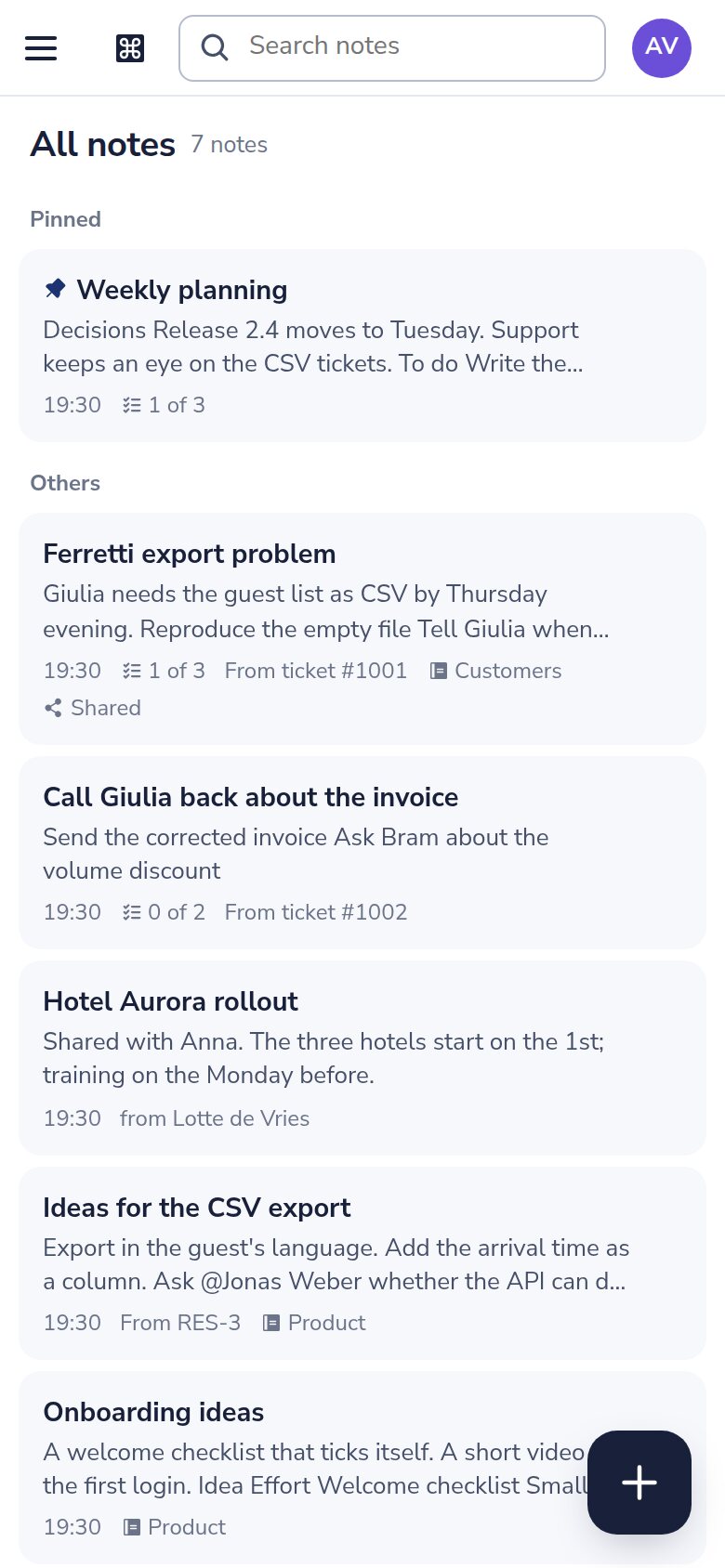
Group notes in notebooks. Drag a note onto a notebook to move it, or drag it within a notebook to put it in order.
Titles filter as you type, and a moment later the full text of every note you can open is searched.
Pin the notes you need often. A deleted note stays in the trash for 30 days, so you can restore it.
Share with your team.
Your notes are yours until you share them.
Share one note, or a whole notebook including the notes you add to it later.
Colleagues in your organisation can read, or edit along. Only you share it further or move it to the trash.
When someone leaves your organisation, the notes you shared with them close for them.
On your phone, in light or dark.
The same notes on every device, encrypted and stored in the EU.
Write your first note.
Sign in with your Dazr account. Then press Alt+Shift+N in any Dazr app.